
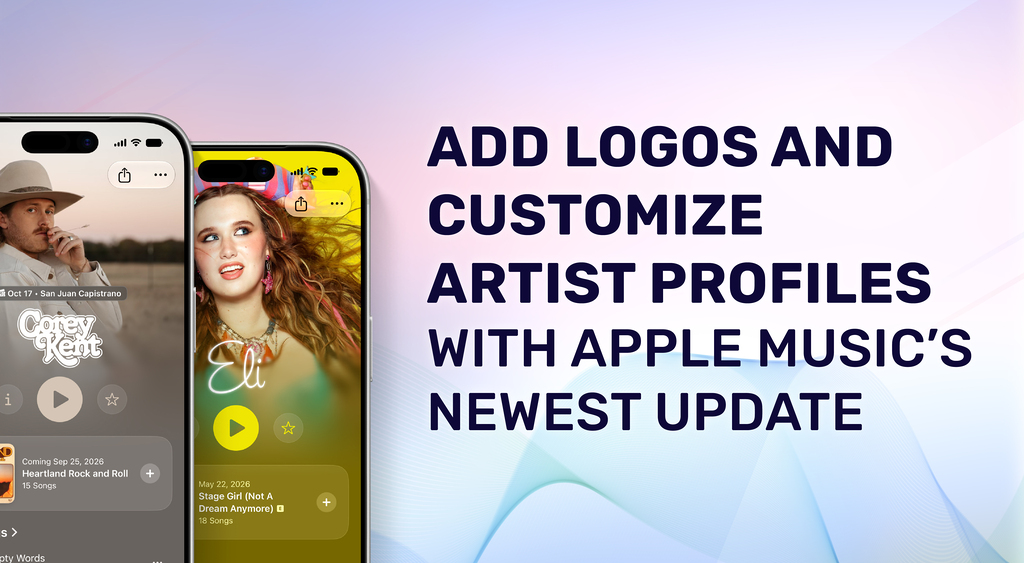
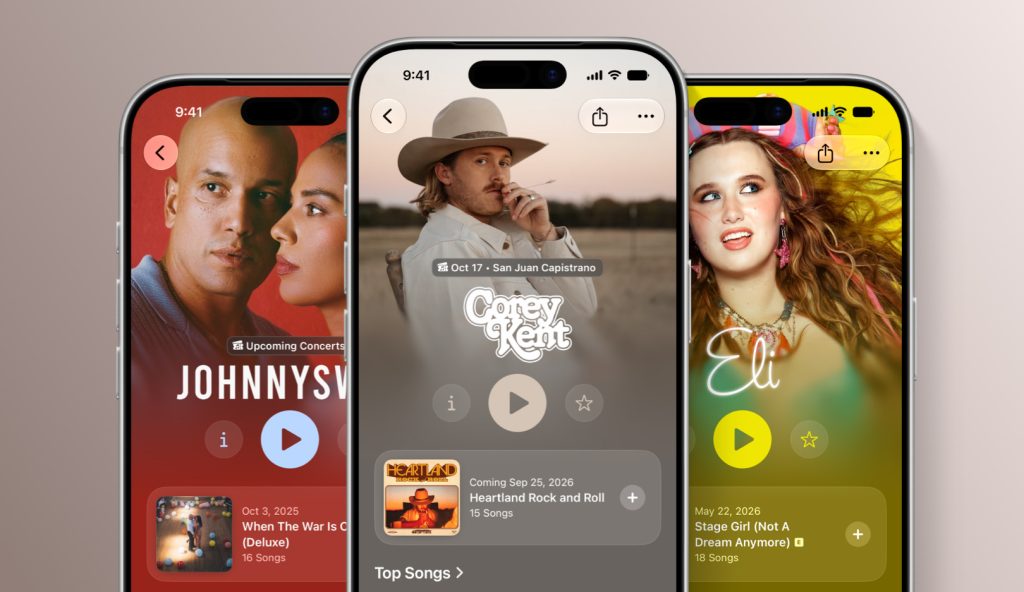
Make artist pages even more personal in Apple Music. Upload artist logos and customize the colors of Info, Play, and Favorite buttons that appear on every artist page.
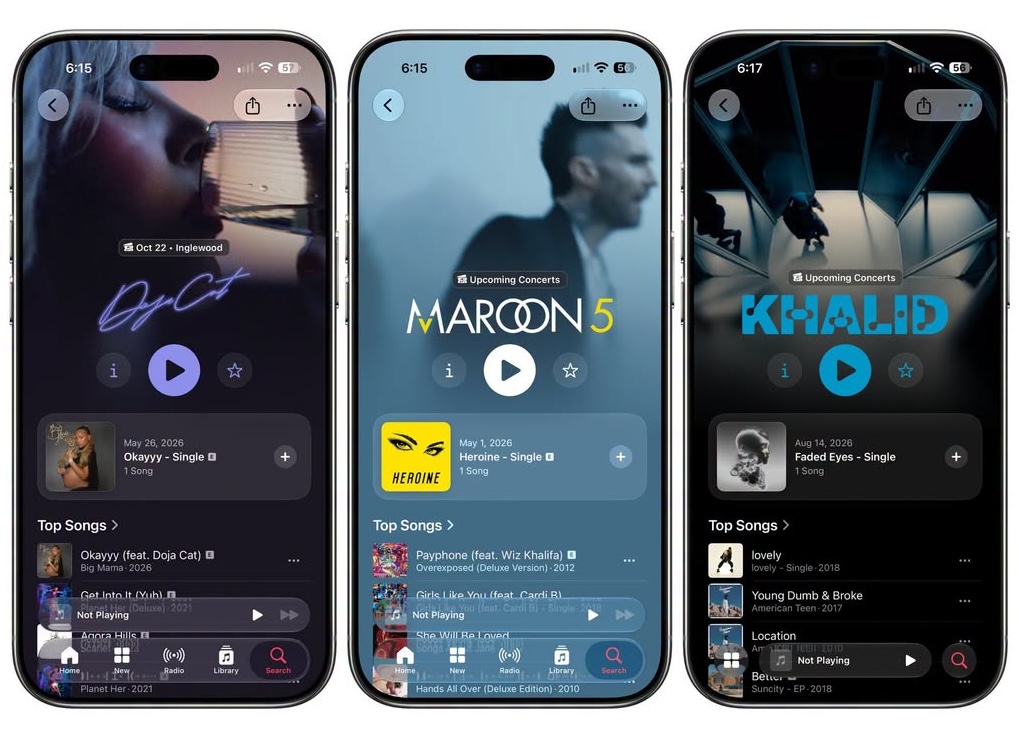
Artist logos can be added to your artist page directly from Apple Music Connect.
To Add an Artist Logo:
- Sign in to your account and search for your artist.
- From the Artist Page tab, navigate to the Logo section and click “Choose Logo”.
- Select your logo file.
- Click Submit.
The review process may take up to five business days, and the logo will remain in Pending until Apple has reviewed it. To avoid issues, be sure to follow Apple’s artist logo guidelines. If rejected, you can correct the problem and resubmit for review again.
Customize Button Colors
By default, the color of the Info, Play, and Favorite buttons display as white. For a more cohesive branded look to your artist page, artists can now personalize the button color.
- Sign in to your account and click the artist you want to view.
- From the Artist Page tab, navigate to the Button Color section.
- Select one of the suggested colors that complements your artist image. Or add a custom hex value in the custom color selector.
Once selected, artists can preview their selected color immediately in Apple Music Connect. After selection, button color updates will appear on Apple Music within a few hours.
—
Label Engine Team